psxify
A downloadable tool for Windows, macOS, and Linux
BETA. PSXIFY works and is developed and tested on macOS, but it is still young. The Windows and Linux builds are compiled from the same code but have had almost no real-world testing yet: if one does not start on your machine, tell me in the comments. Some import paths (rare FBX exporters, exotic .blend setups, huge photoscans) and export presets have not been tried on every operating system. Please report anything odd in the comments: it gets fixed fast.
Any model in, PS1 asset out, in a second
Asset store packs, free libraries, your own sculpts, an old project: modern models look great but are useless for a PS1-style game as they are, with tens of thousands of triangles, 1K–8K PBR texture sets and normal maps. PSXIFY turns any of them into a real PSX-era asset: a few hundred triangles that keep the silhouette, one small texture atlas with a limited palette, and all the lighting detail baked into the colour.
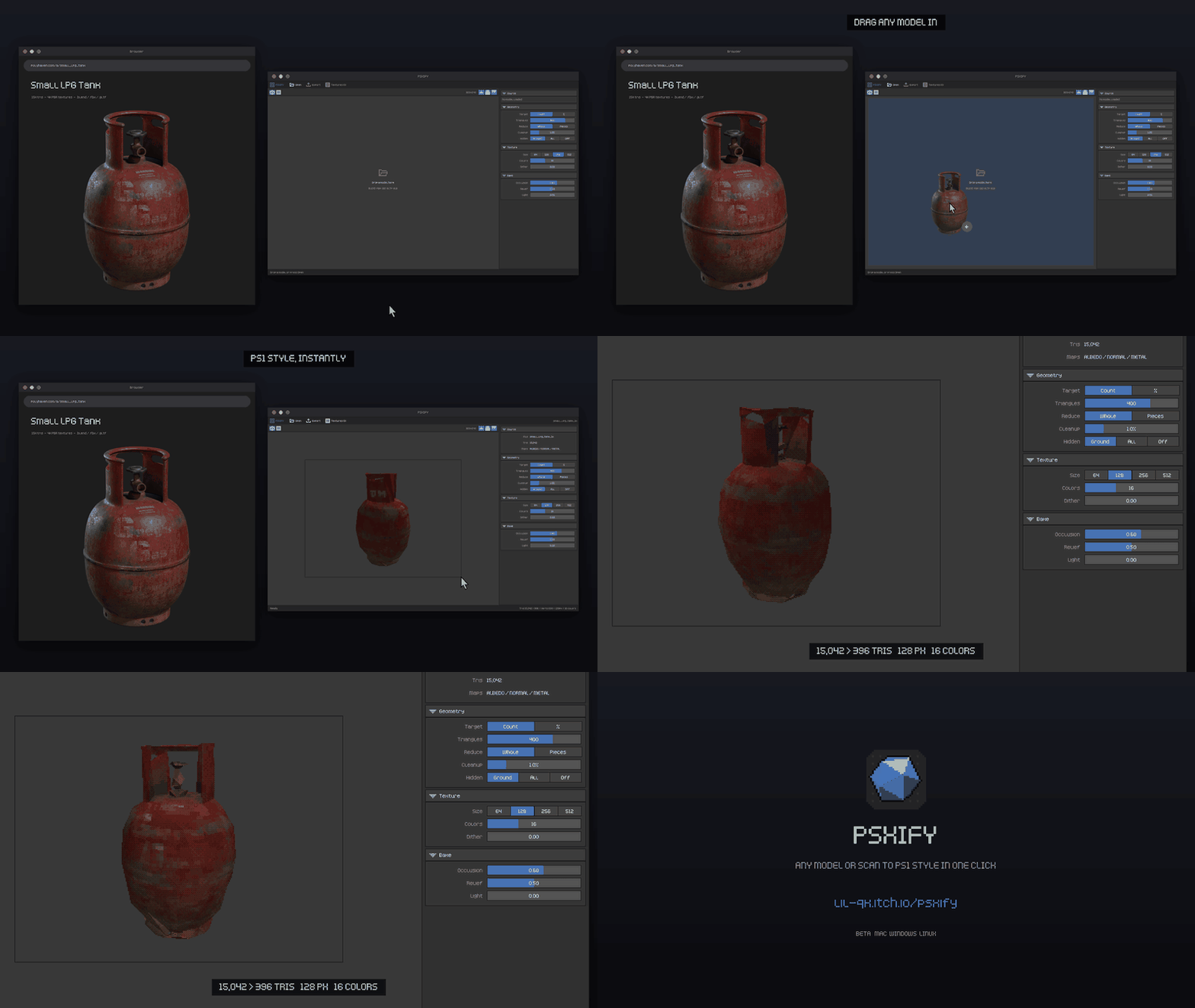
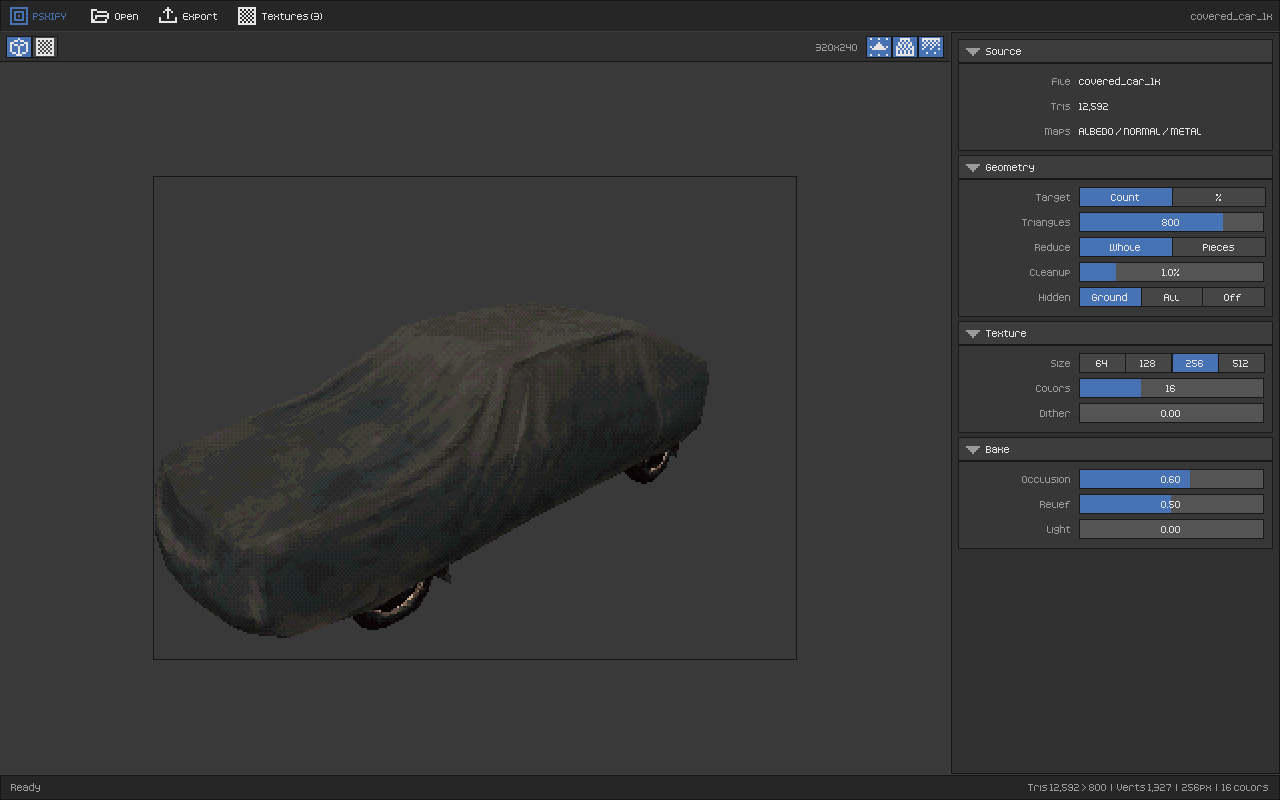
Drop the .blend, .fbx, .obj or .glb into the window. That's it. Move a slider and see the result instantly in a 320×240 preview with vertex jitter, affine texture warping and 15-bit dither.
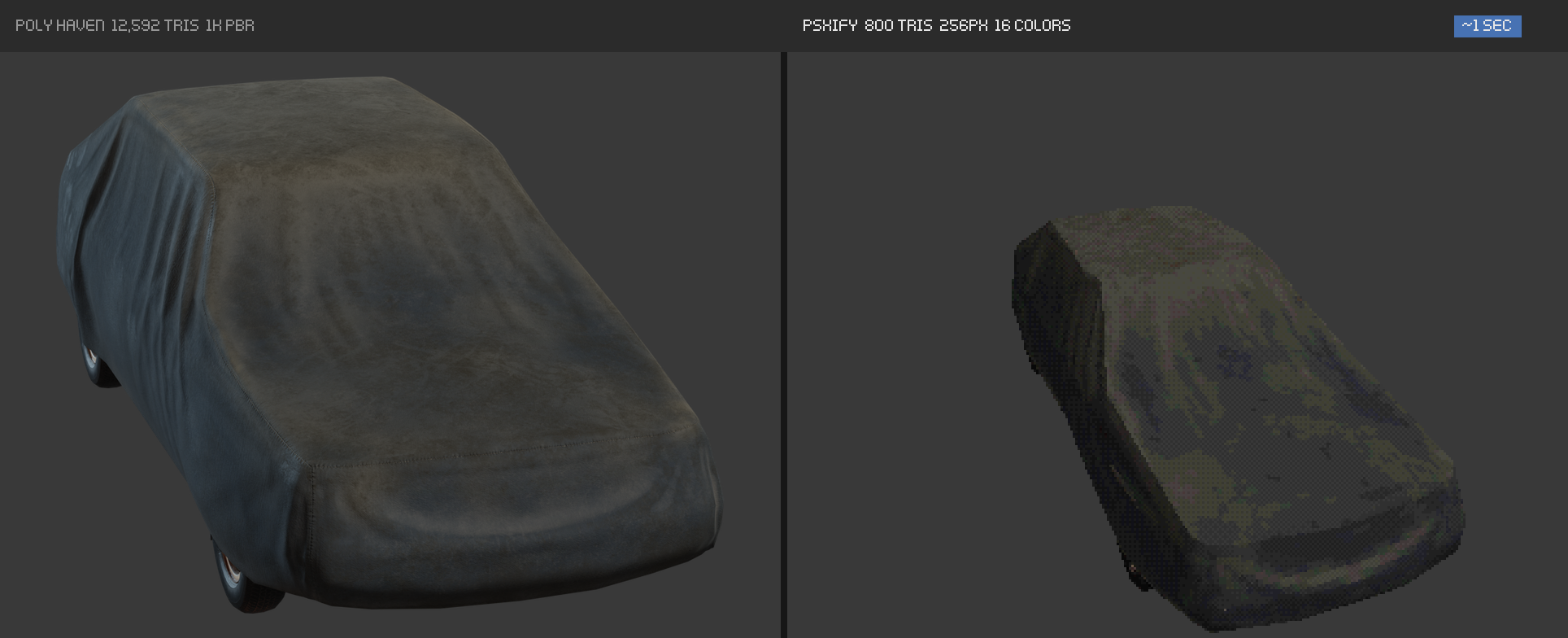
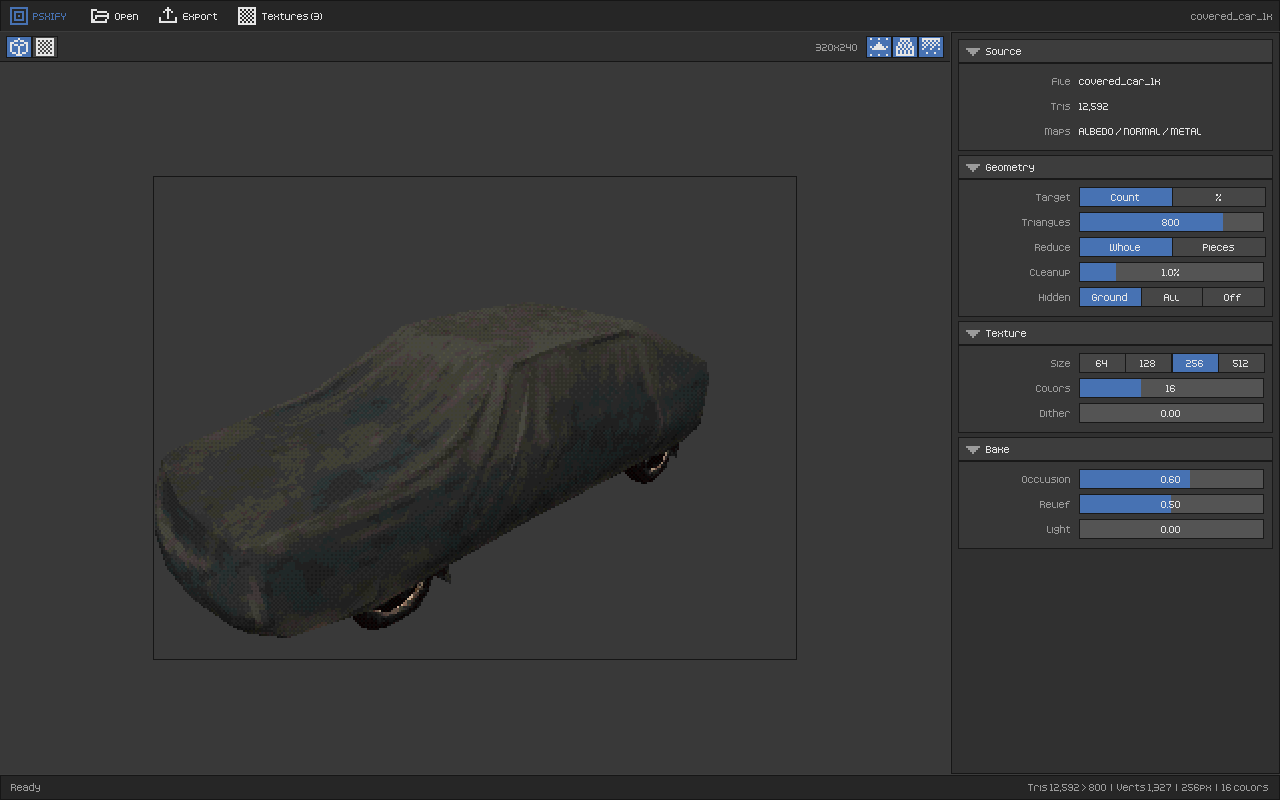
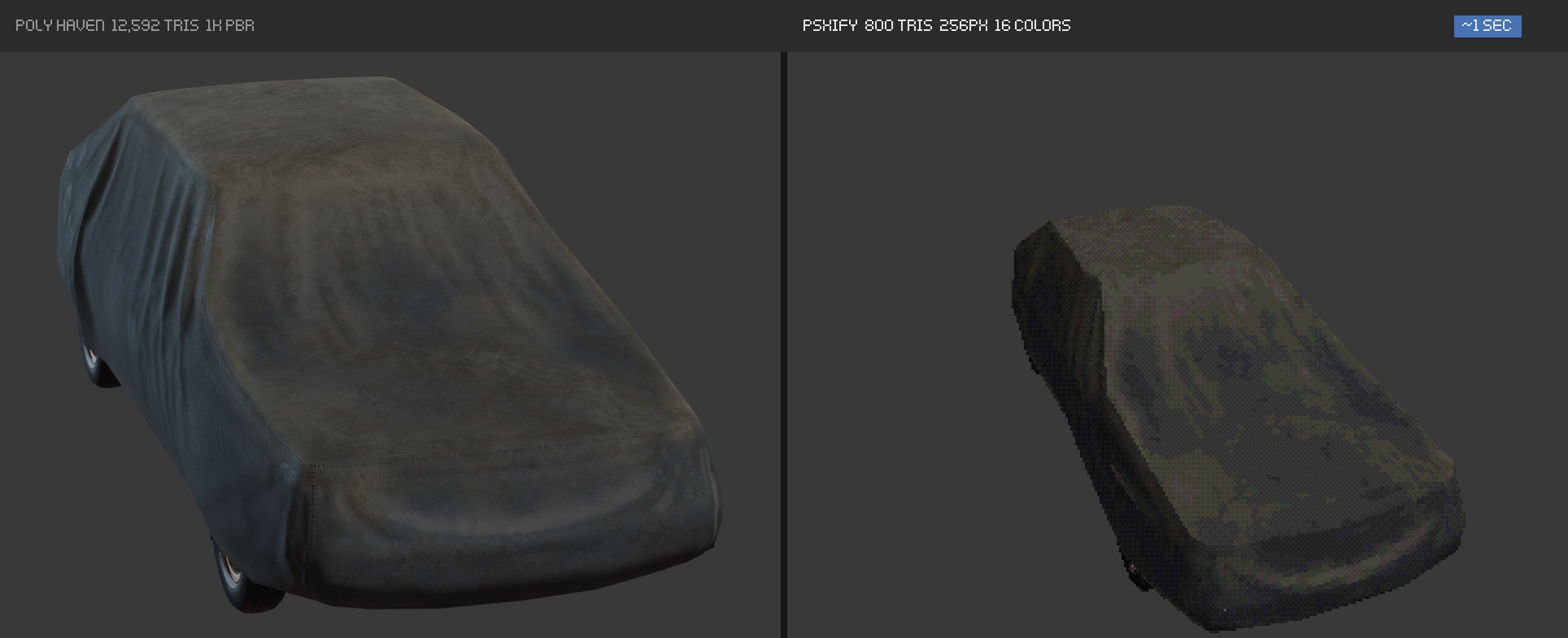
Example: "Covered Car" from Poly Haven. Left: its original render, 12,592 tris with a 1K PBR set. Right: the PSXIFY result in its PS1 preview, 800 tris, a 256 px atlas and 16 colours. About one second on a laptop.
Your own photoscans, too
Scanned a rock, a shoe or a statue with your phone? Photogrammetry meshes are the opposite of PS1 assets: millions of messy triangles and huge textures. Export the scan as OBJ, FBX or GLB from Polycam, RealityScan, Meshroom or Metashape and PSXIFY reduces it, re-unwraps it and re-projects the scan's colour onto a tiny palette, so your real-world objects fit straight into a low-poly world.
Transparency and alpha maps
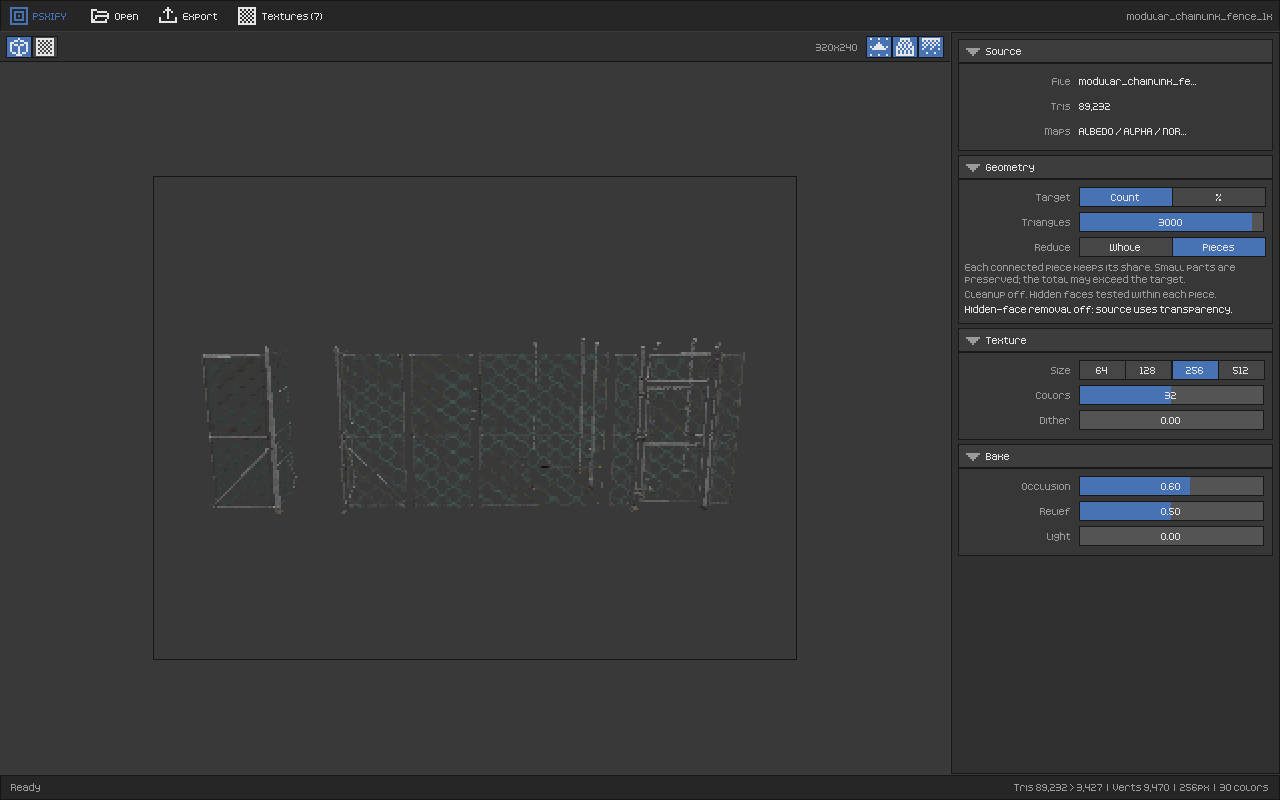
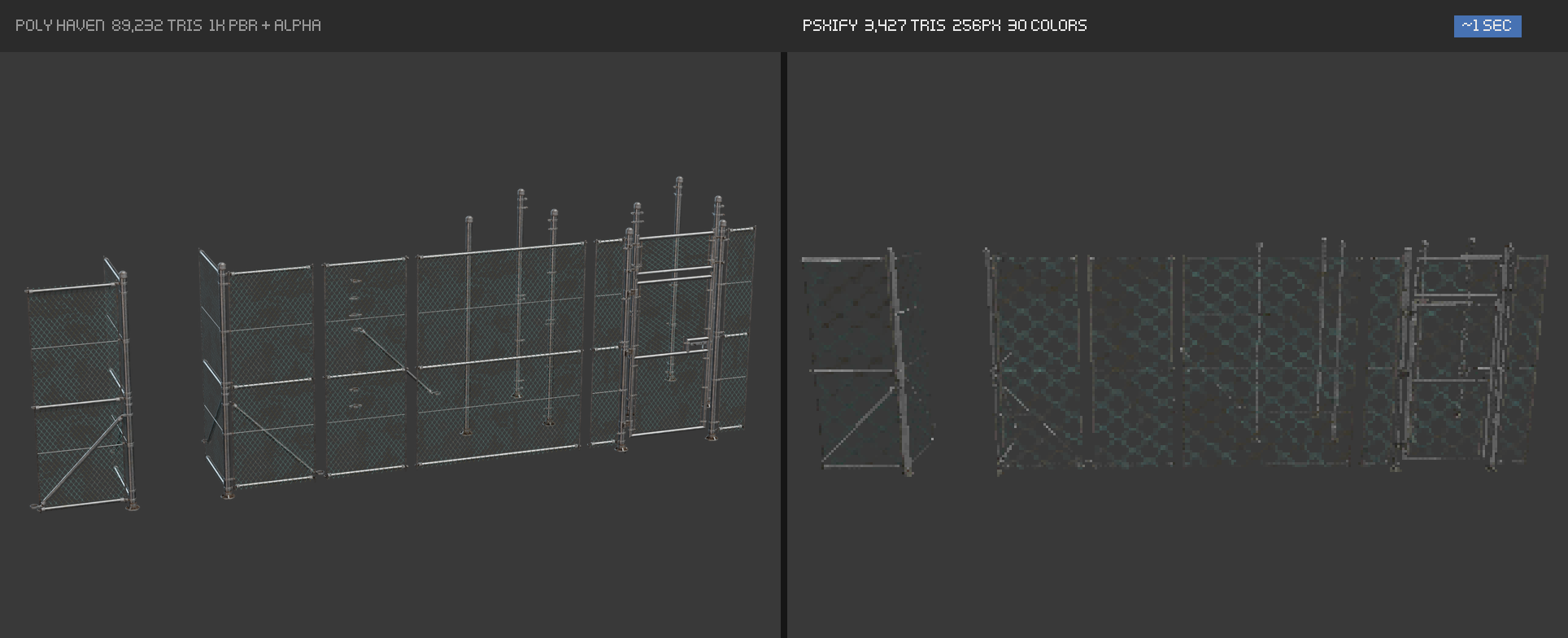
Fences, foliage, grates, hair cards, decals: PSXIFY keeps the cut-outs. It reads the alpha channel of the base colour and separate opacity masks (black and white images or a single R/G/B/A channel) from .blend node trees and glTF materials, bakes them into the palette atlas and exports the transparency per texel. The PS1 preview draws it too, and hidden-face removal switches itself off so nothing seen through the holes gets deleted.
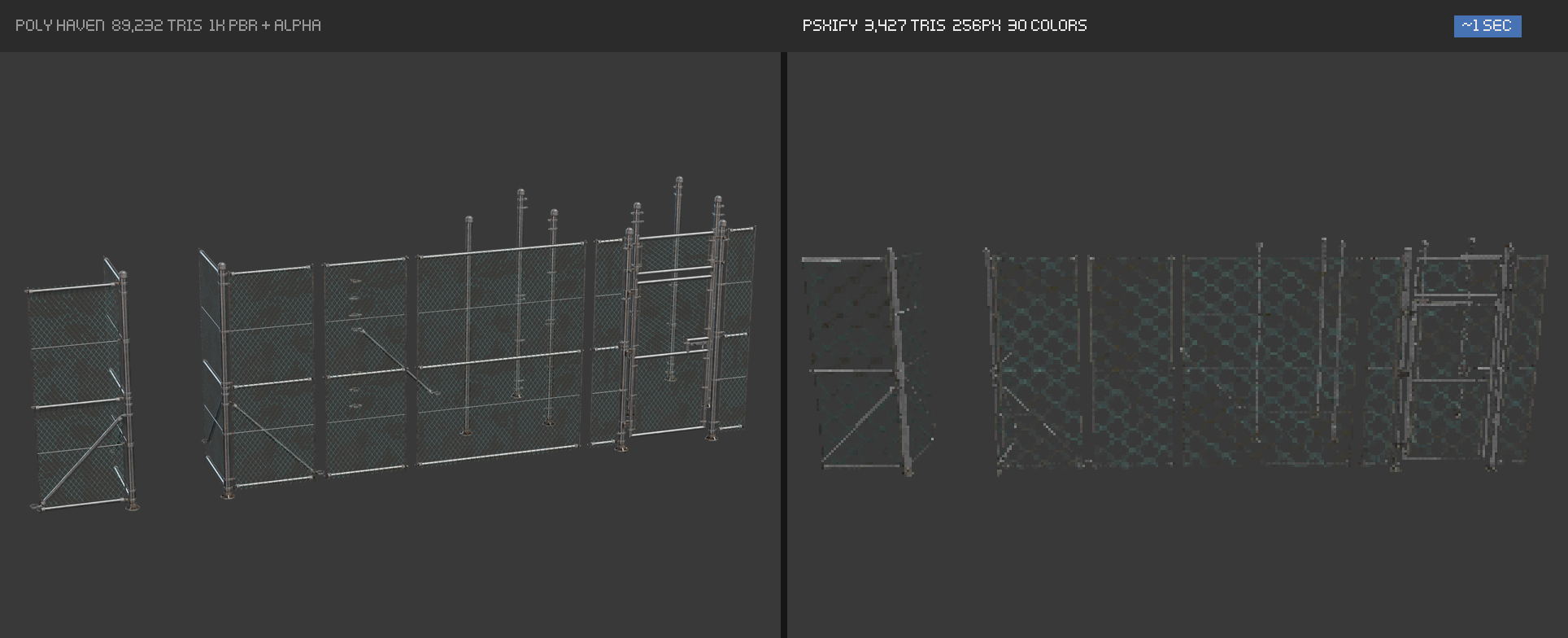
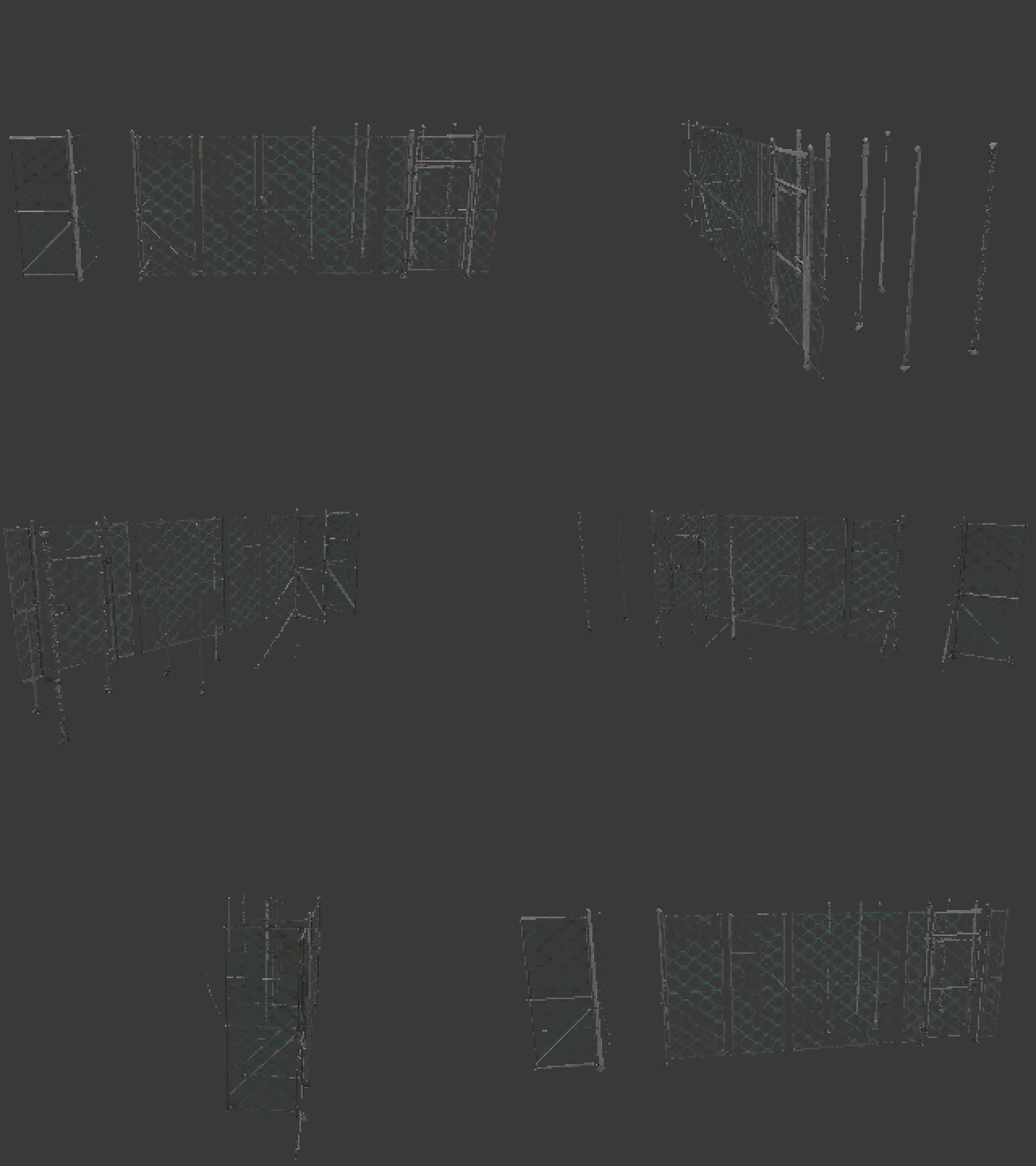
"Modular Chainlink Fence" from Poly Haven: 89,232 tris with an opacity map in; 3,427 tris and a 256 px atlas with 30 colours with the chain-link holes still see-through out. "Pieces" mode reduces every post and panel separately so thin rails survive.
What it does
- Decimates to a target triangle count or percentage while keeping the rough shape, per object or per piece.
- Keeps transparency from alpha channels and opacity maps, exported per texel (indexed PNG with alpha, or RGBA).
- Removes faces nobody will see (the underside of a parked car, the inside of a jacket) so the budget goes where it shows.
- Unwraps a fresh UV atlas automatically and packs it tight.
- Bakes everything into the albedo: ambient occlusion (from the AO map and ray-traced), normal map relief, metalness, emission and optional directional light. PS1 games had no normal maps, so the detail lives in the pixels.
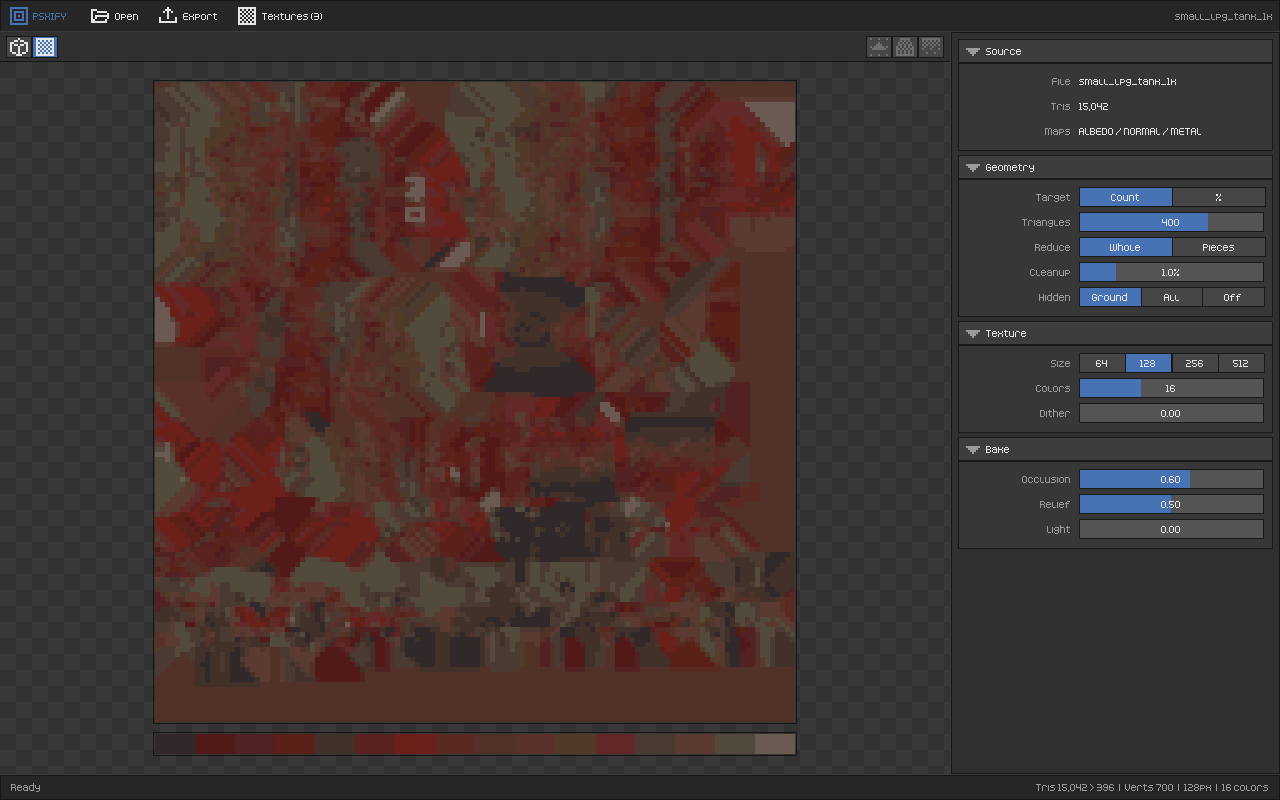
- Shrinks the texture to 64, 128, 256 or 512 px and limits the palette (4–256 colours) with k-means, snapped to 15-bit RGB555 like the real hardware, with optional Bayer dither.
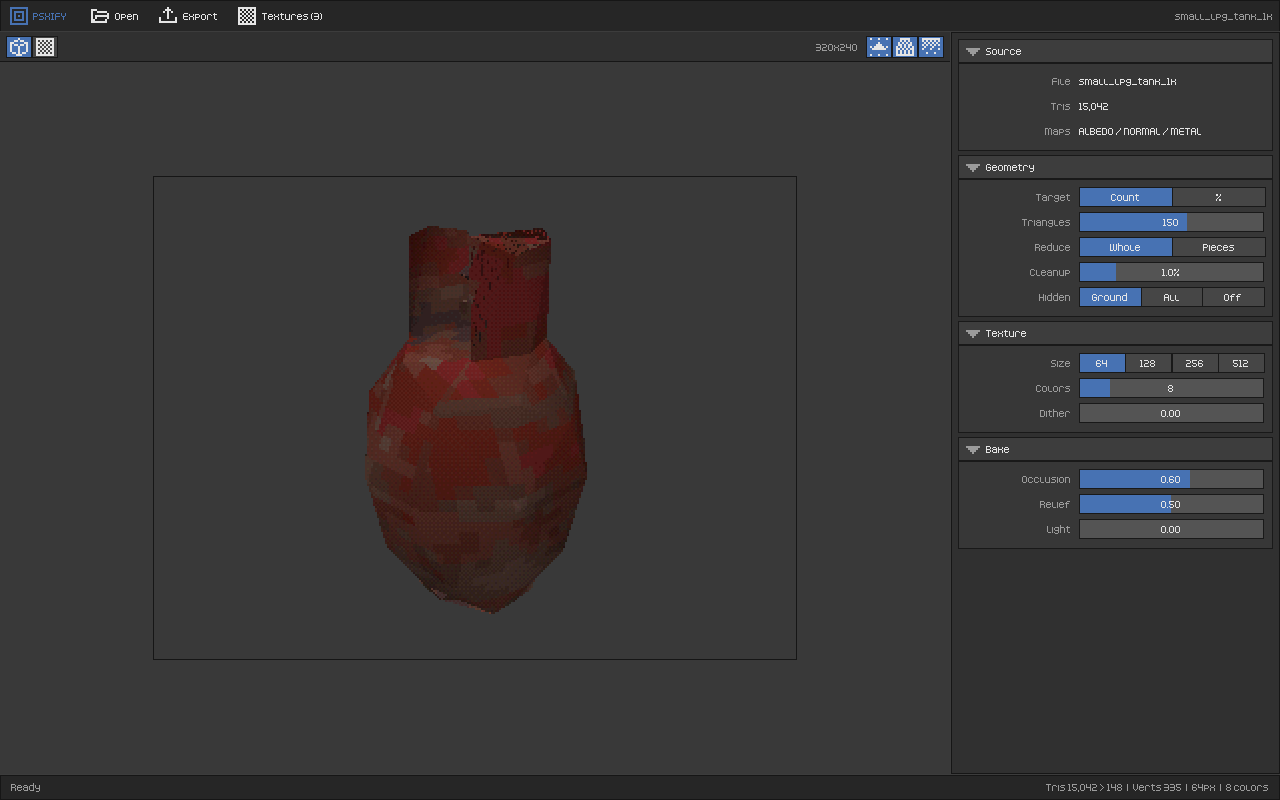
- Previews it like a PlayStation: 320×240, integer vertex snapping (jitter), affine texture mapping and the PS1 dither table. Toggle each effect from the viewport header.
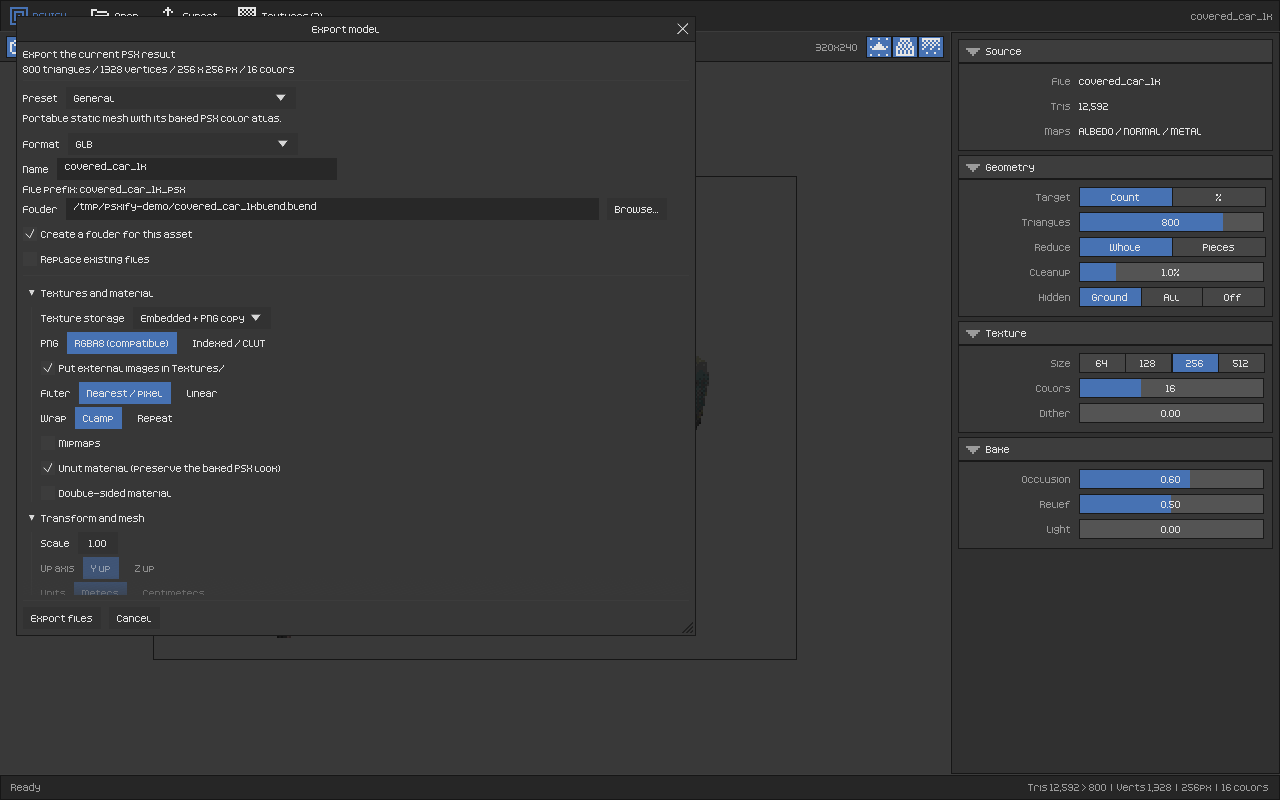
- Exports ready for your engine with presets for Unity (Built-in and URP), Unreal, Godot and Blender: binary FBX, GLB, glTF, OBJ or all of them, nearest filtering, unlit material, indexed (CLUT) or RGBA PNG, plus optional Unity/Godot import helpers.
Opens .blend files without Blender
PSXIFY has its own .blend reader. You don't need Blender installed: it reads files from Blender 3.x, 4.x and 5.x (compressed or not), follows the Principled BSDF node tree to find base colour, normal, metal, emission, AO and alpha maps, and loads packed or external images. Downloaded .blend files open directly, even from the folder macOS creates when unzipping them.
| Format | Maps used |
|---|---|
.blend | albedo, normal, AO, metal, emission, alpha (packed or external) |
.glb / .gltf | albedo, normal, AO, metal, emission, alpha |
.fbx | albedo, normal, AO, metal, emission (embedded or next to the file) |
.obj + .mtl | albedo, normal |
Small, offline, no strings
- A single native app of about 6 MB. No installer, no runtime, no account, no internet.
- Retro, minimal interface inspired by Blender's layout, with only the controls that matter.
- Command line for batch jobs and pipelines:
psxify rock_scan.obj --out psx/ --tris 600 --tex 128 --colors 16 --dither 0.3
psxify crate.blend --out psx/ --preset godot --keep-percent 5
Platforms and testing status
| Platform | Build | Status |
|---|---|---|
| macOS 11+ (Apple Silicon and Intel, universal) | .app | Main development platform, tested |
| Windows 10/11 (x64) | .exe | Beta, barely tested |
| Linux (x86_64, glibc 2.28+, X11/Wayland) | binary + install.sh | Beta, barely tested |
On macOS the app is not notarized yet: the first time, right-click PSXIFY.app → Open. On Windows, SmartScreen may warn that the app is unrecognised: More info → Run anyway. On Linux, run ./install.sh to add it to your applications menu; the file dialog uses xdg-desktop-portal, and without it you can drag models onto the window.
Known limitations
- Static meshes only: no skeletons, skinning or animation (yet).
- Procedural materials use the node's base colour; bake them to an image first. No UDIMs.
.blend: Mirror is applied; Array, Boolean and Geometry Nodes must be applied in Blender first.
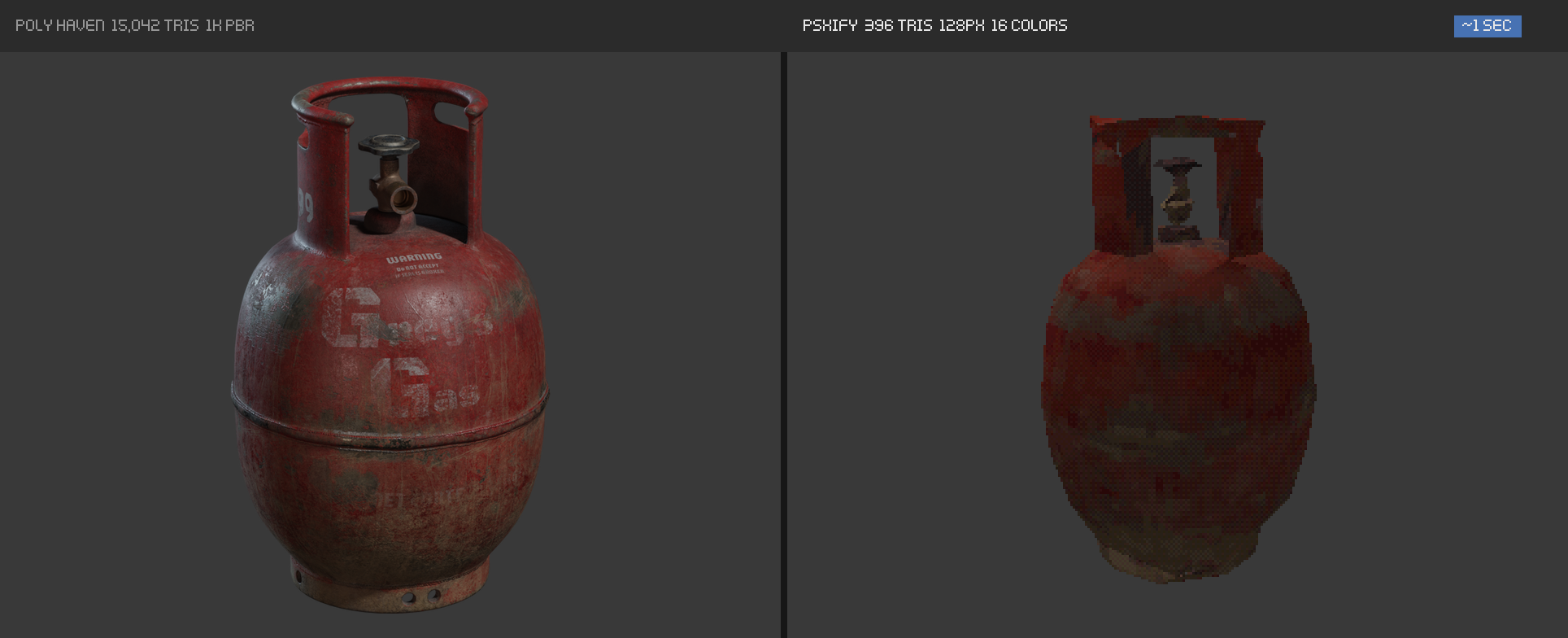
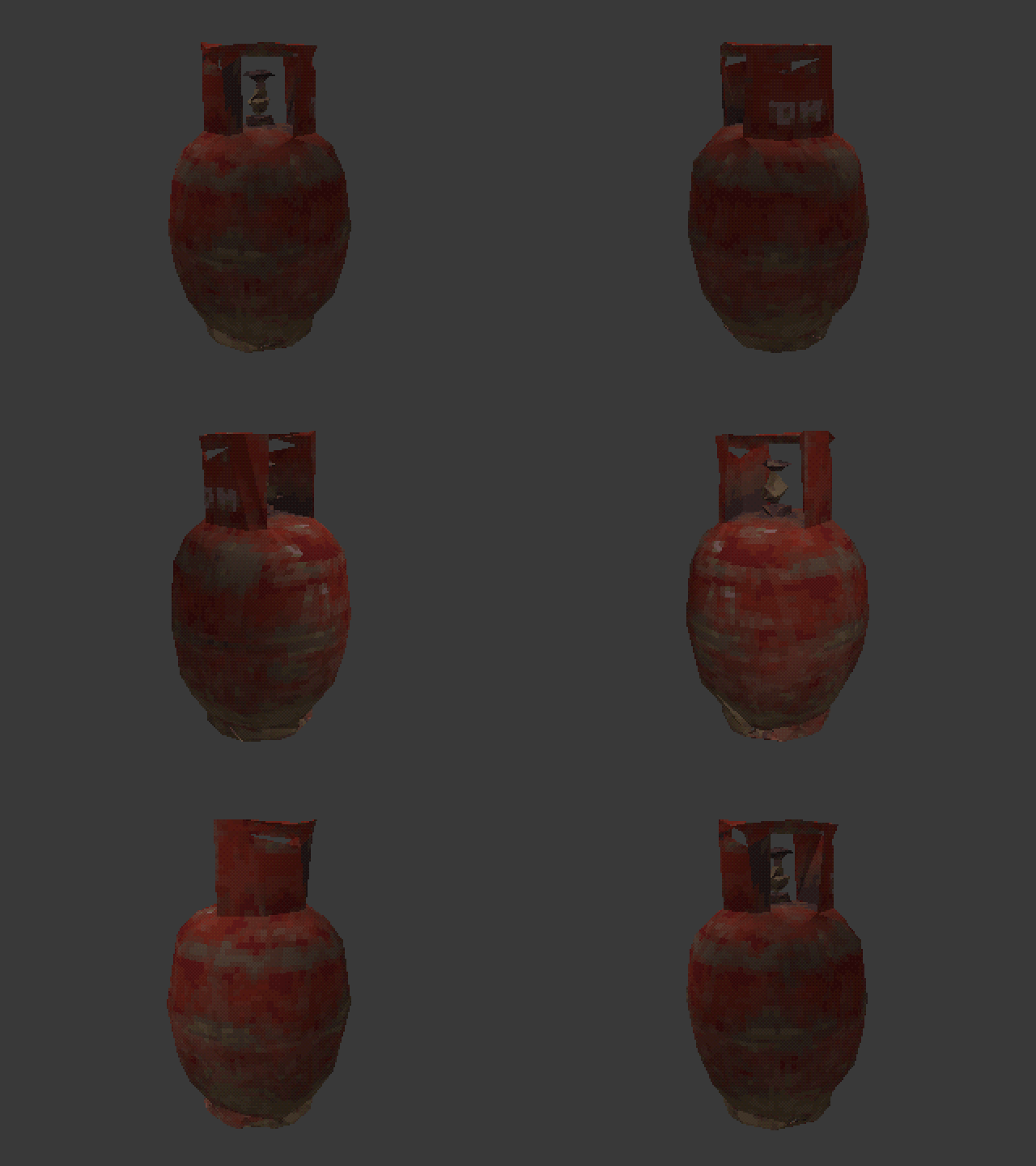
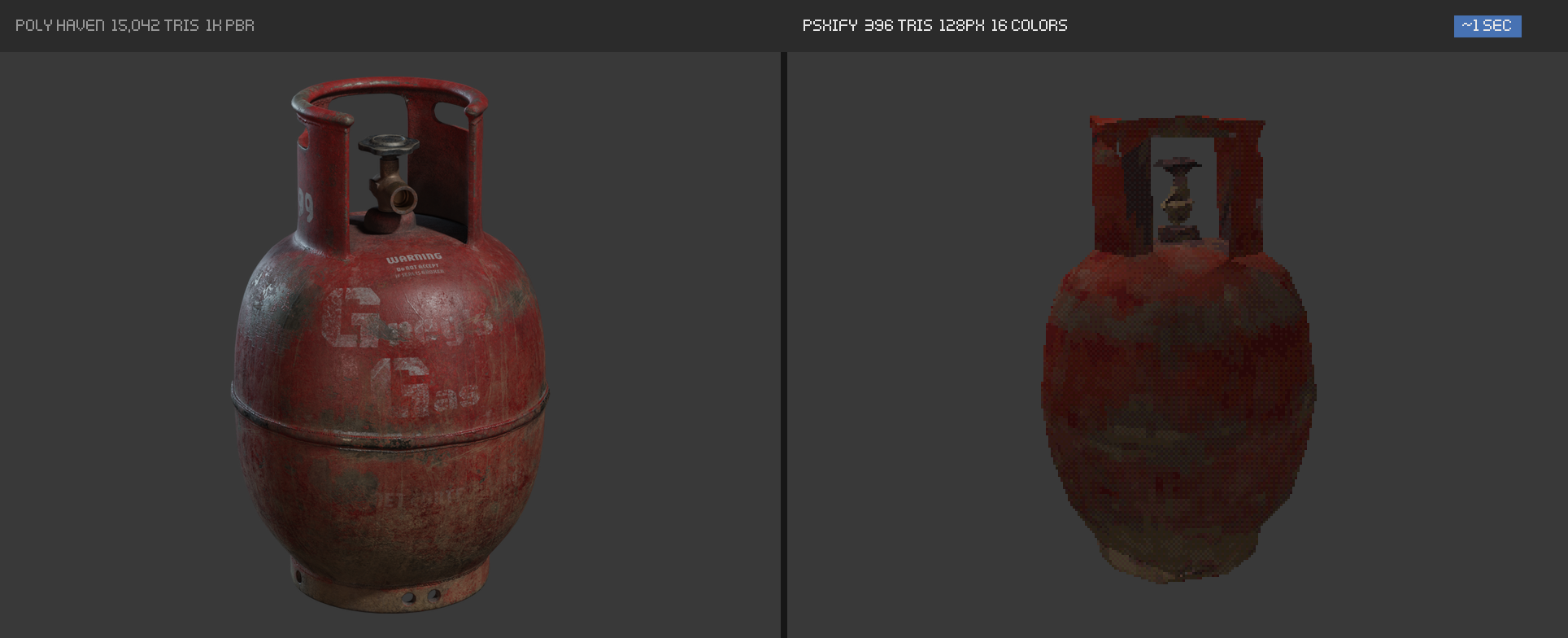
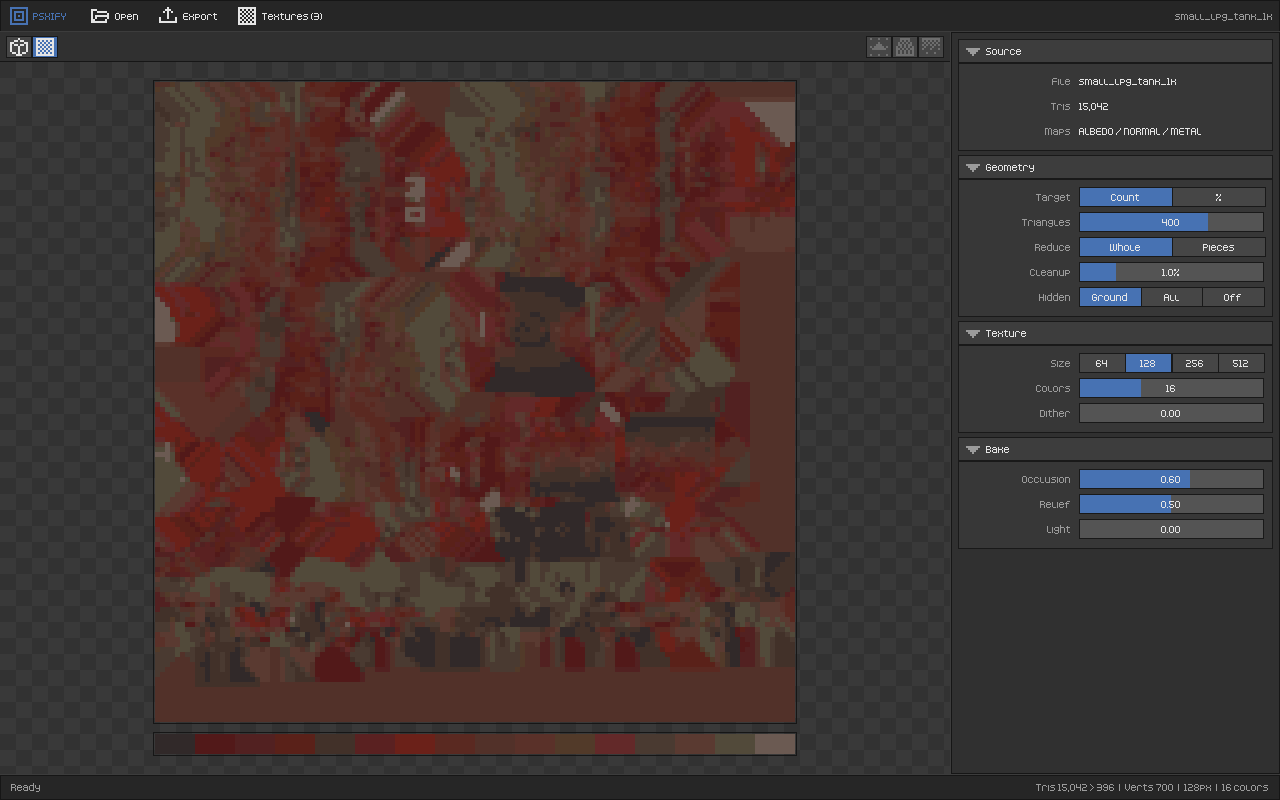
Credits. Example models: "Covered Car", "Small LPG Tank" and "Modular Chainlink Fence" from Poly Haven. In the comparisons, the left image is the original render of each asset; everything on the right, the GIFs and the screenshots are real PSXIFY output. Interface font: Kenney Pixel by Kenney.
Purchase
In order to download this tool you must purchase it at or above the minimum price of $12 USD. You will get access to the following files:
Leave a comment
Log in with itch.io to leave a comment.